DR Recovery Jobs
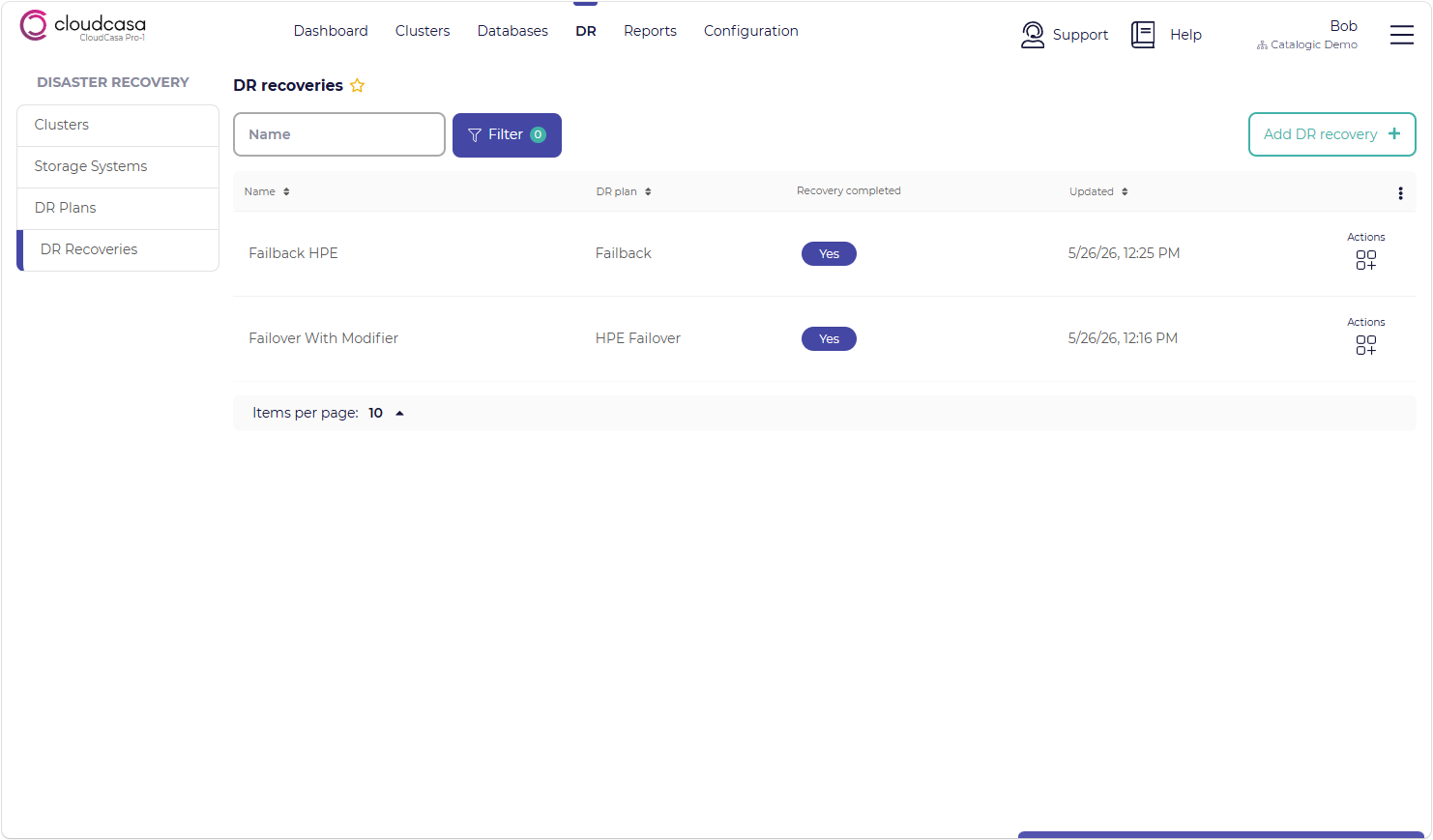
The DR Recovery Jobs page allows you to define CloudCasa DR recovery jobs, which drive failover and failback actions based on existing DR plans.
Defined DR recovery jobs are listed here, each with their name, associated DR plan, and recovery status.
The available actions for each DR recovery job may include the following:
Run now - Run the DR recovery job to perform failover or failback. This action is only available if the recovery job has not previously run and an inventory job has successfully completed for the associated DR Plan.
Edit - Edit the DR recovery job definition. This action is only available if the recovery job has not previously run.
View - View the DR recovery job definition. This action is only available if the Edit action is not available.
Remove - Delete the DR recovery job definition.
Creating a DR recovery job
To create a new DR recovery job definition, click the Add DR recovery job + button in the upper right corner of the page.
When creating a DR Recovery Job, you will be prompted to supply the following information:
- DR Plan
Select the DR plan this recovery job will use.
- Enable transforms
Resource modifiers allow you to customize how Kubernetes resources will be created during the failover process by modifying their specifications. If this option is enabled, you can upload a YAML file containing a description of which resources should be modified and how to modify them.
See also
For more information on resource modifiers, see Resource Modifiers.
- VM options -> Clear MAC address(es)
Specifies that MAC addresses for failed-over VMs should be cleared and new addresses should be assigned. This defaults to on. Disable it to preserve the saved MAC addresses for failed-over VMs. Do this only if you are sure that it will not result in duplicate MAC addresses on your network.
- VM options -> Generate new firmware UUID
Specifies that new firmware UUIDs should be generated for failed-over VMs. This defaults to off.
- VM options -> Run Strategy
This field controls whether and how VMs are started after fail-over. You can select any valid Run Strategy option or select “Use strategy from backup” to retain the run strategy for each VM from the source. If you are uncertain, we recommend selecting “Halted” and booting the VMs manually after failover. “Halted” is the default.
- Name
The name you wish to use for this DR recovery job.
- Stop workloads before failover
If enabled, CloudCasa will attempt to cleanly stop workloads before failover/failback. Deployments will be scaled down and VMs powered off. The default is enabled. Note that in the event the source cluster is unreachable (e.g. in an actual disaster scenario), CloudCasa will proceed with failover/failback even if this step fails.
- Run now
If enabled, the DR recovery job will be started immediately after creation. The default is off.
Running a DR recovery job
Recovery jobs can be defined in advance and run later when required to perform failover. To run a recovery job, select the Run now action for the job in the DR recovery jobs page.